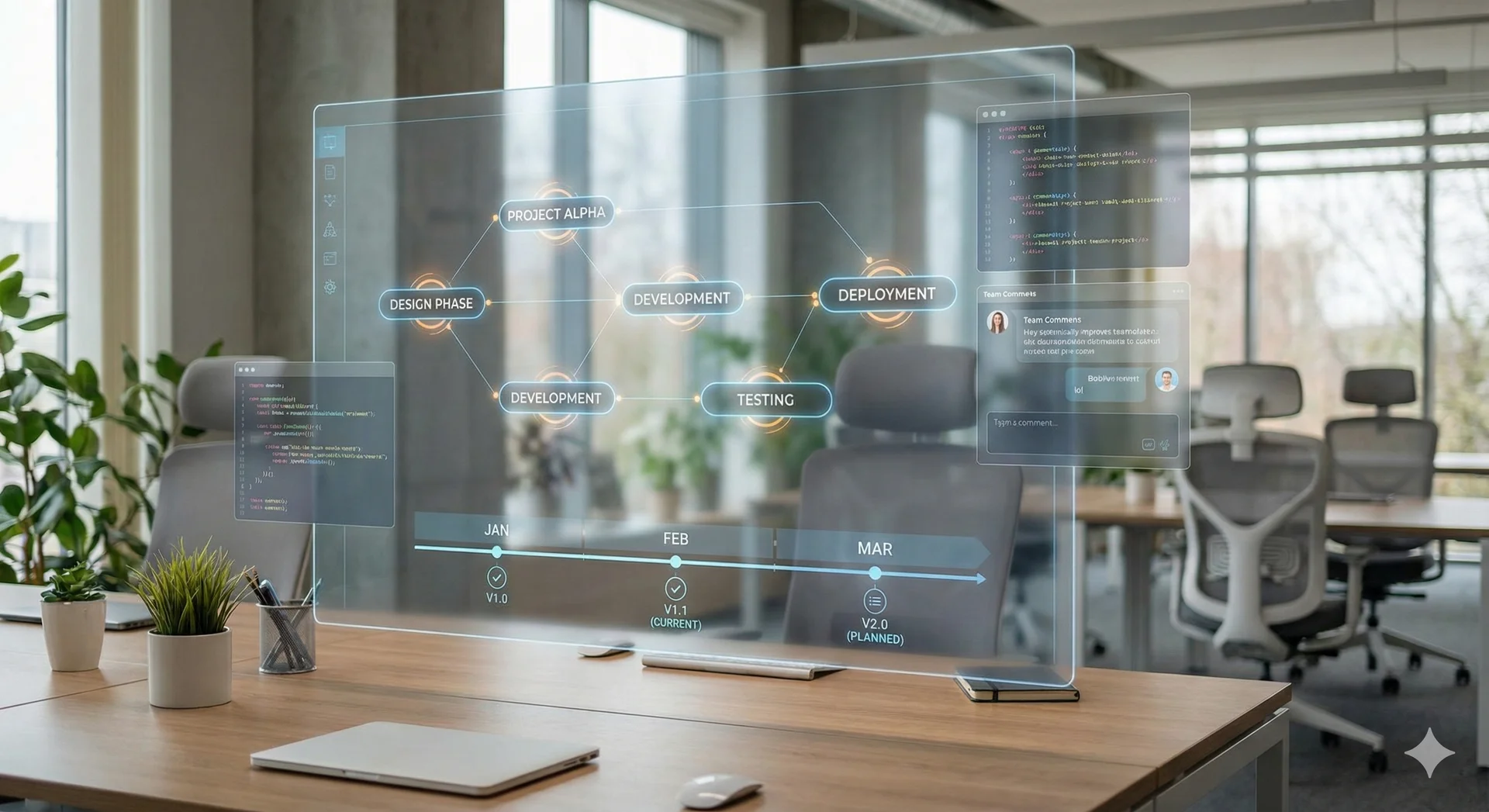
Native GIS + AI Integration
From raster to model, in one app. Sample multiple rasters, align coordinate systems, and visualize spatial layers inside the same workflow that trains your model — so a single experiment doesn't have to travel between QGIS, a notebook, and a cloud trainer.
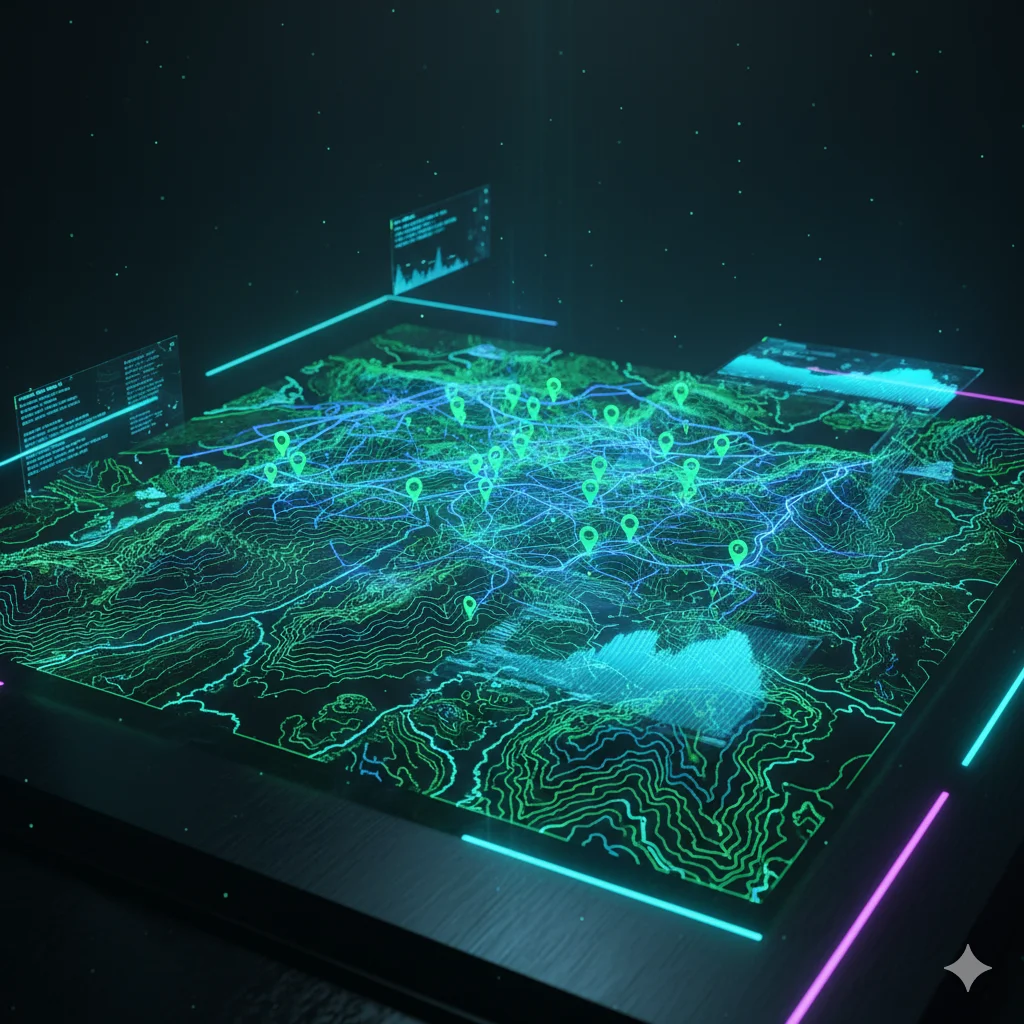
Data Sovereignty (Local-First)
Your hardware. Your data. Project datasets, training runs, and saved models stay on the machine where the project lives. Online services are used for controlled access, account, license, and device checks — not for cloud training or dataset processing. A fit for restricted research environments and teams that cannot upload raw project data to third-party AI tools.

Data Management & Preprocessing
Move from raw files to model-ready inputs faster. Import tabular and geospatial files, validate them, clean missing values, encode and scale predictors, then keep the prepared dataset attached to the project. The goal is simple: less tool switching before every run.
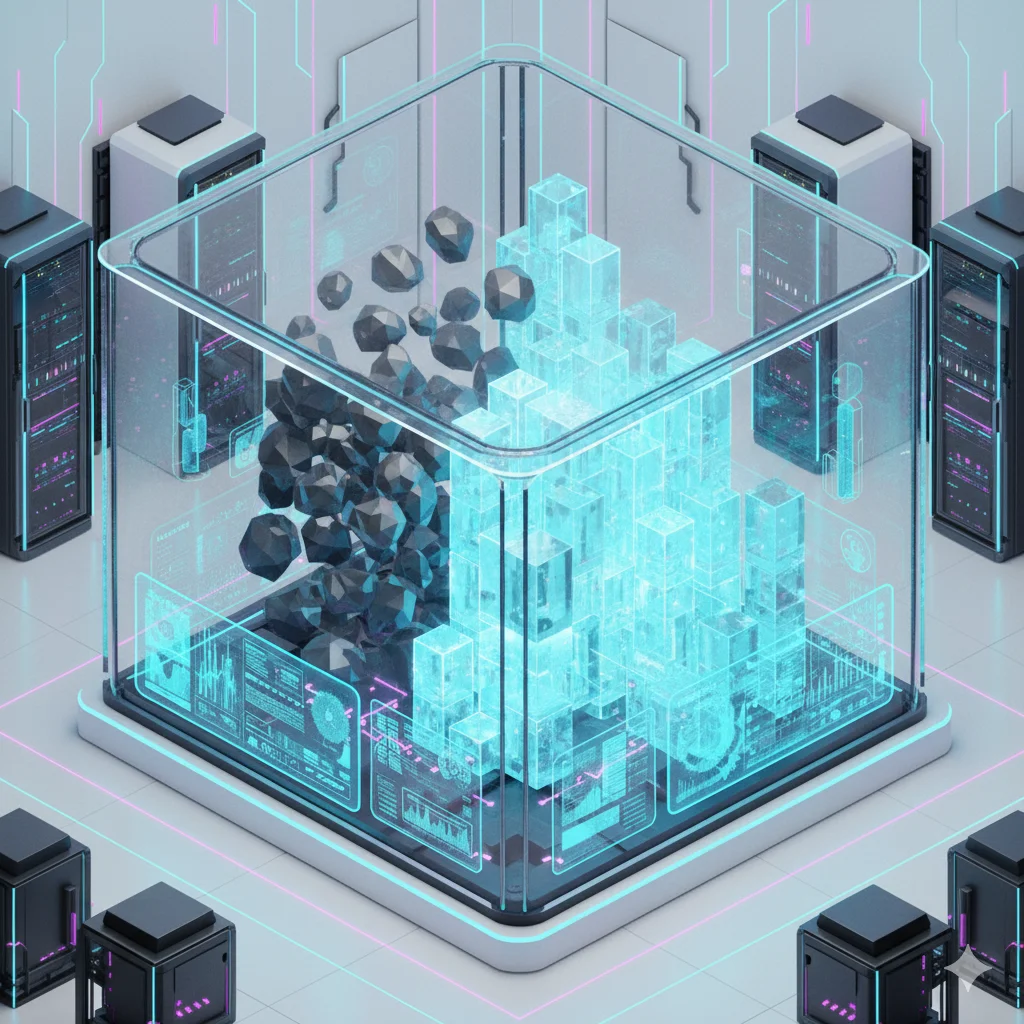
Transparent Modeling
Build models you can explain and repeat. Choose the model family that fits the task, configure the important settings, and keep the model, configuration, and evaluation together. Results are easier to review because each run stays linked to how it was produced.
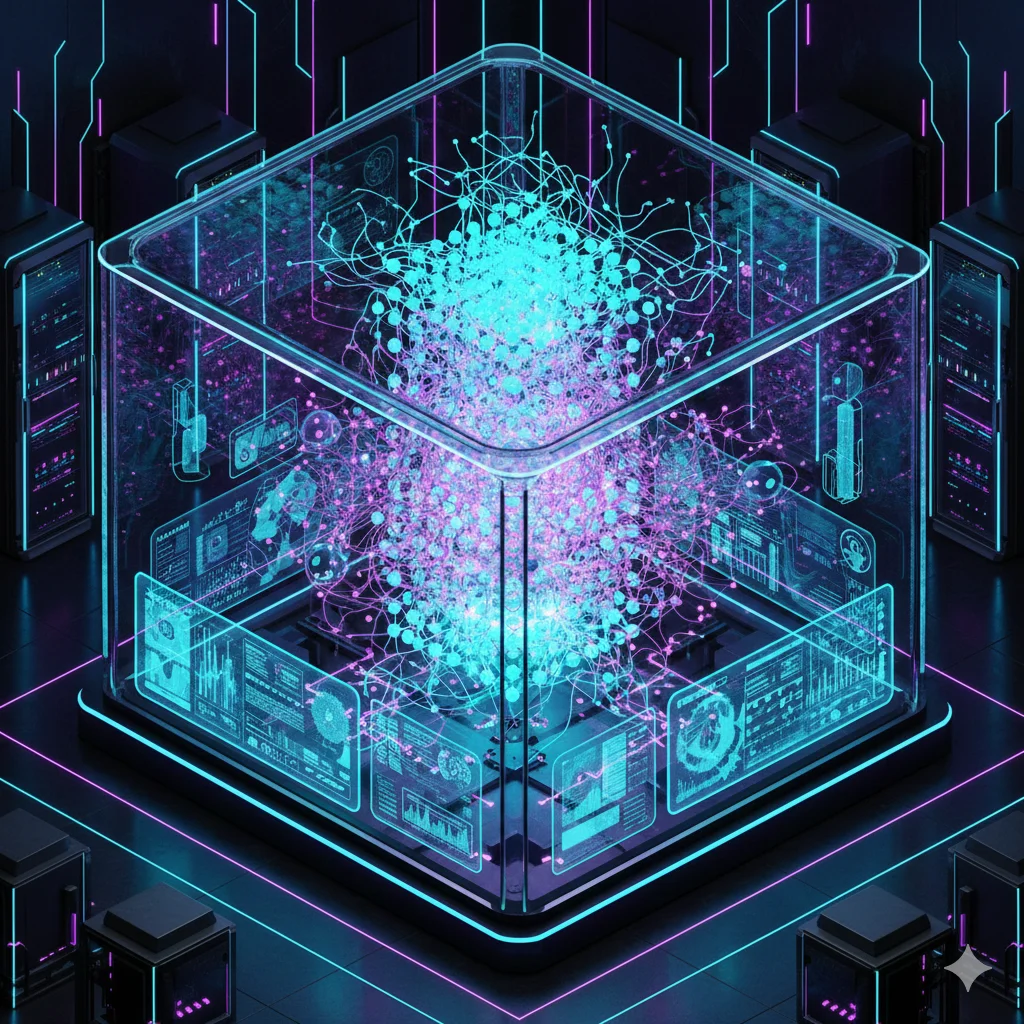
Experiment Tracking & Comparison
Keep every run on the record. Compare runs side by side with clear evaluation metrics, then push the best configuration further with built-in tuning — Bayesian Optimization, Random Search, learning-rate scheduling, and early stopping — all inside the same project.
Advanced Visualization & Analysis
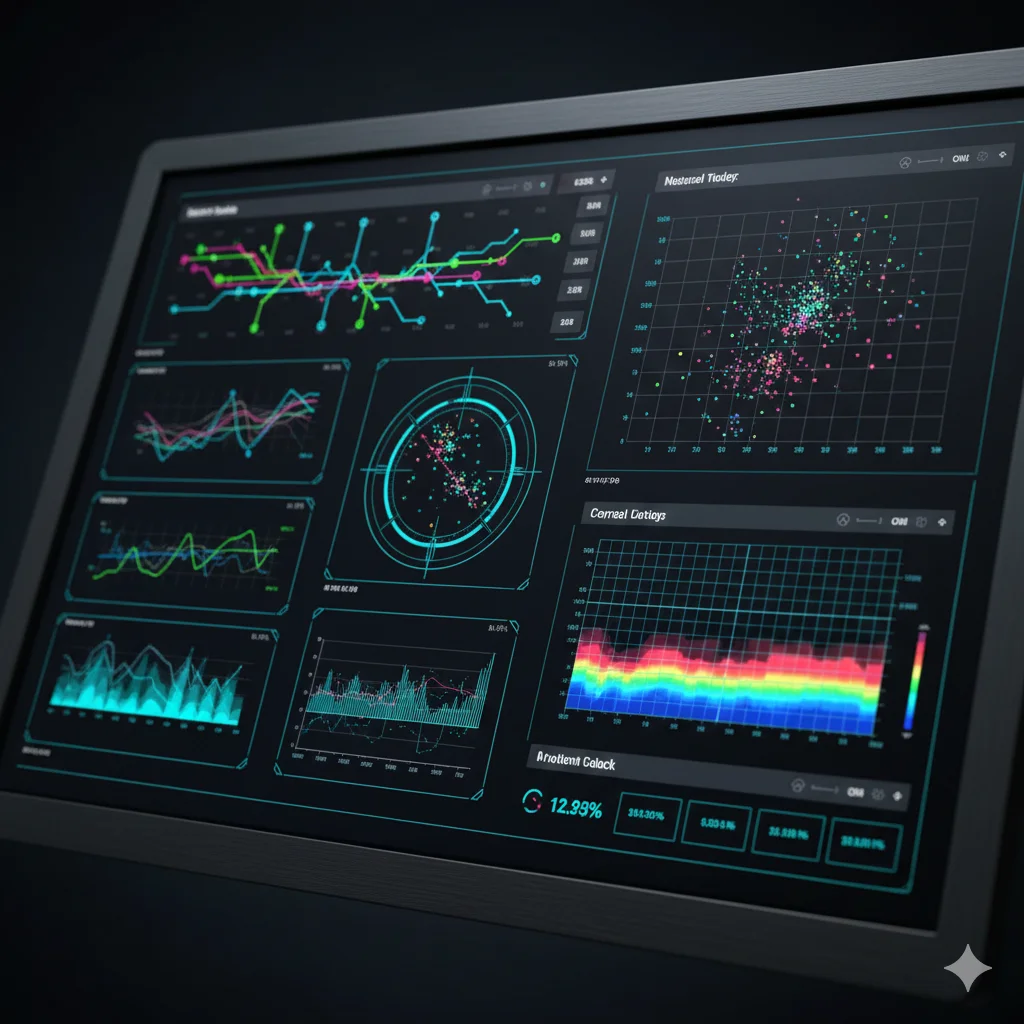
See what changed before and after training. Inspect distributions, correlations, and time-series before modeling, then review metrics, feature importance, and training history after each run. Exportable plots help turn experiments into reports and papers.
Project Management
Save the whole project, not just the model. Preprocessing, model configuration, training runs, and evaluation are stored together — so you can reopen a project months later, hand it to a colleague, or compare runs across time without rebuilding the setup.